

Beginner’s guide: How to Download Ancestry Raw DNA Data
1. Login to your Ancestry account first.
.png)
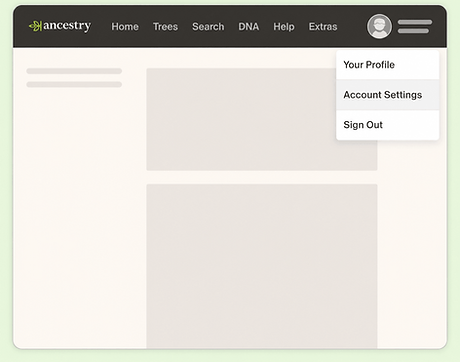
2. Visit the Ancestry DNA Setting section (Login required). Click ”Account Settings” in the top-right corner.
.png)
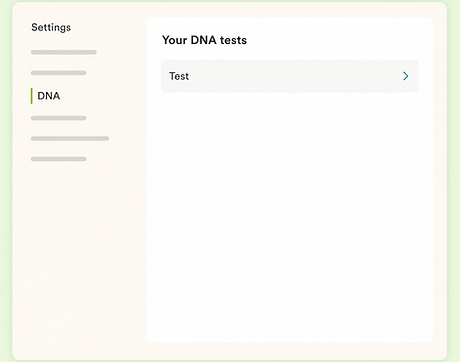
3. From your DNA Settings, select the test you'd like to download.
.png)
4. Scroll down to the Download or Delete section and select Download DNA data.
.png)
5. Select the box to confirm that you understand, and click Continue.

6. Verify your account by choosing 1 of 2 methods:
Click Enter current password or Click Send code via email.
7. In the email, select Download DNA Data. Please note: The downloaded file will not be in the email itself. The email can take up to 24 hours to arrive. A download link can be used just once. It will expire after a week. If your link has expired, start over at step 1.
.png)
8. Click Download DNA Data.

9. The file will be downloaded to your computer. The file name will be called something like dna-data-(date).zip.
